Auto rep counting
The patient stops counting; you stop guessing. Reps are detected from joint-angle transitions like a mechanical counter.
A new motion-capture experience inside PhysiApp turns a patient's webcam into a hands-free coach: counting reps, timing holds, and giving real-time form prompts, while sending you objective session data after every workout.
The motion-capture feature does four things during every prescribed exercise and ships objective data back to you.
The patient stops counting; you stop guessing. Reps are detected from joint-angle transitions like a mechanical counter.
Accurate seconds for planks, stretches and isometrics only when correct posture is maintained.
Pre-recorded prompts like "Keep your back straight" trigger when form deviates from target. Patients can mute voice anytime.
Reps, hold durations, form warnings and ROM achieved vs. target, delivered in your existing clinician dashboard.
Both clinicians and patients can benefit from Motion Capture.
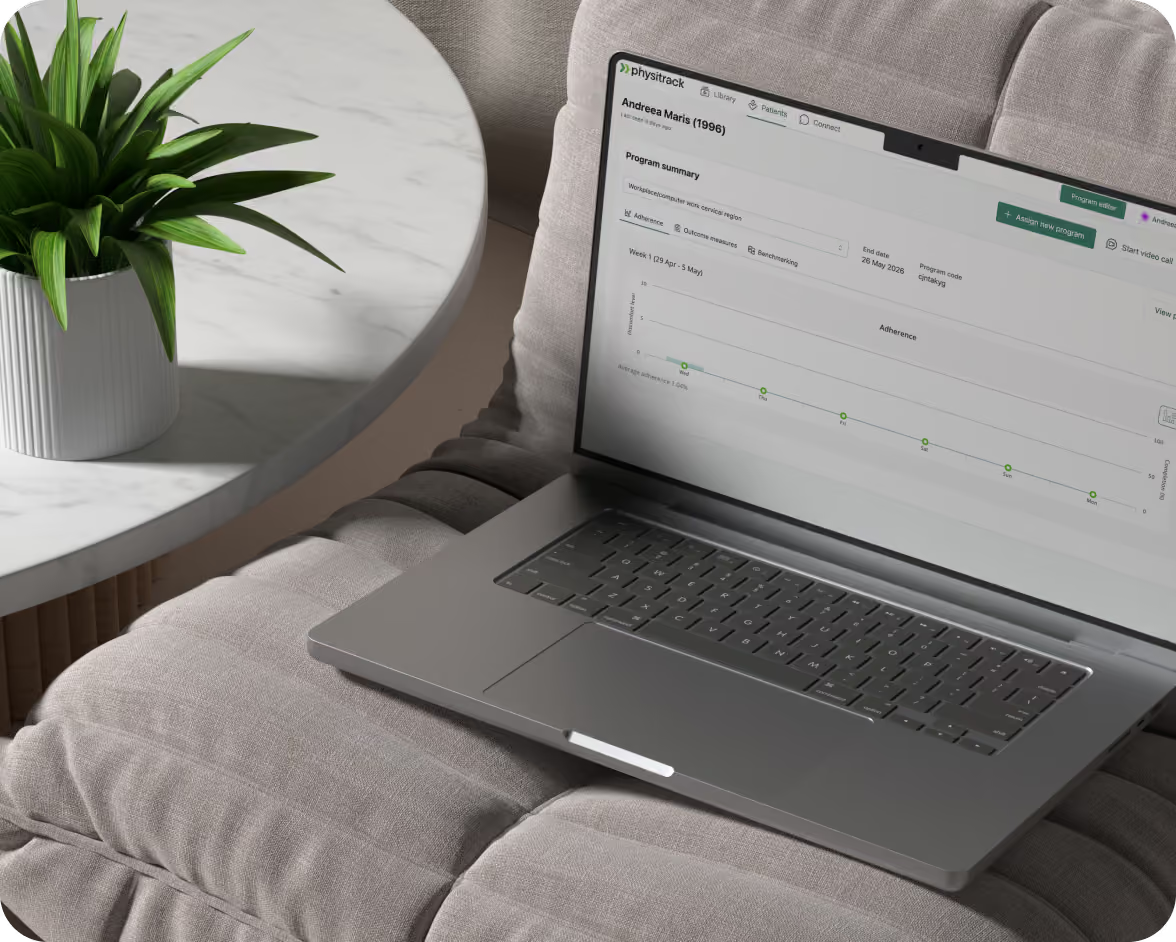

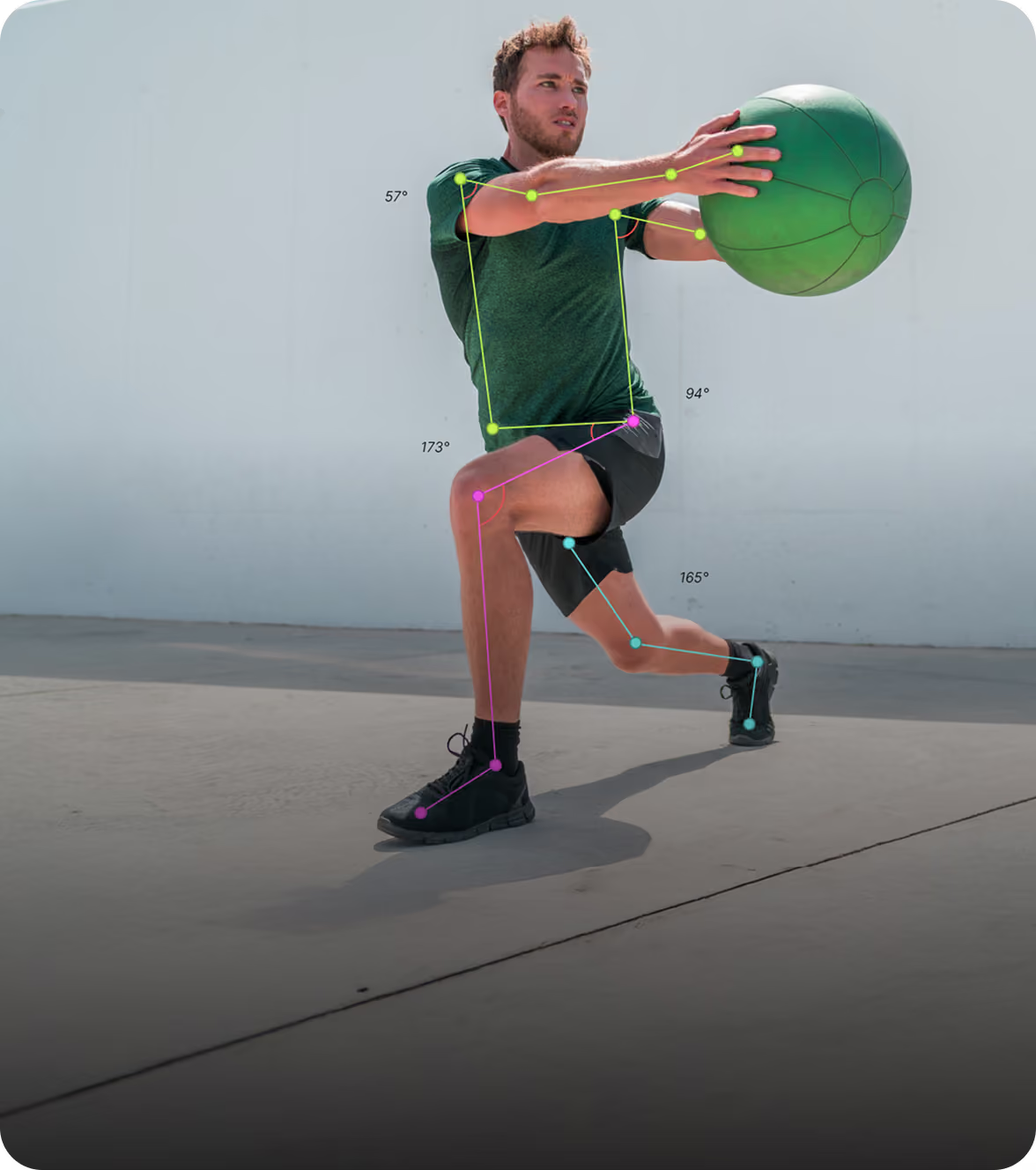
An open-source AI model tracks ~33 joint points from the webcam feed and converts them into joint angles - a stick-figure skeleton, not images.
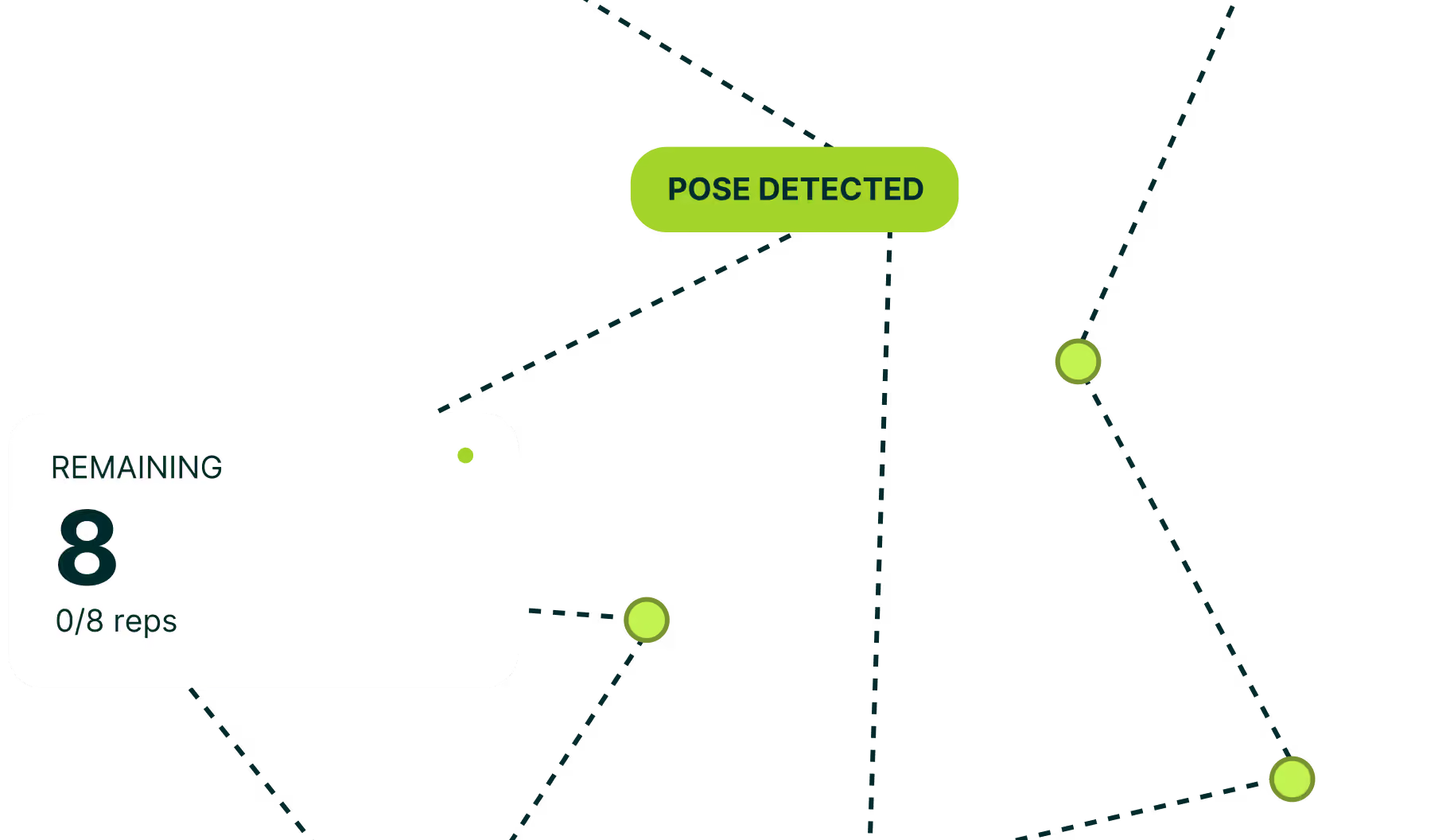
A simple rule per exercise: "rep starts <90°, completes >160°" counts every transition. If form deviates from target, a pre-recorded voice cue plays ("Keep your back straight"), one prompt at a time, with cooldown.
After the session, only structured numbers: reps, holds, form warnings, ROM achieved vs. target are sent to Physitrack's backend and made visible to the prescribing clinician.
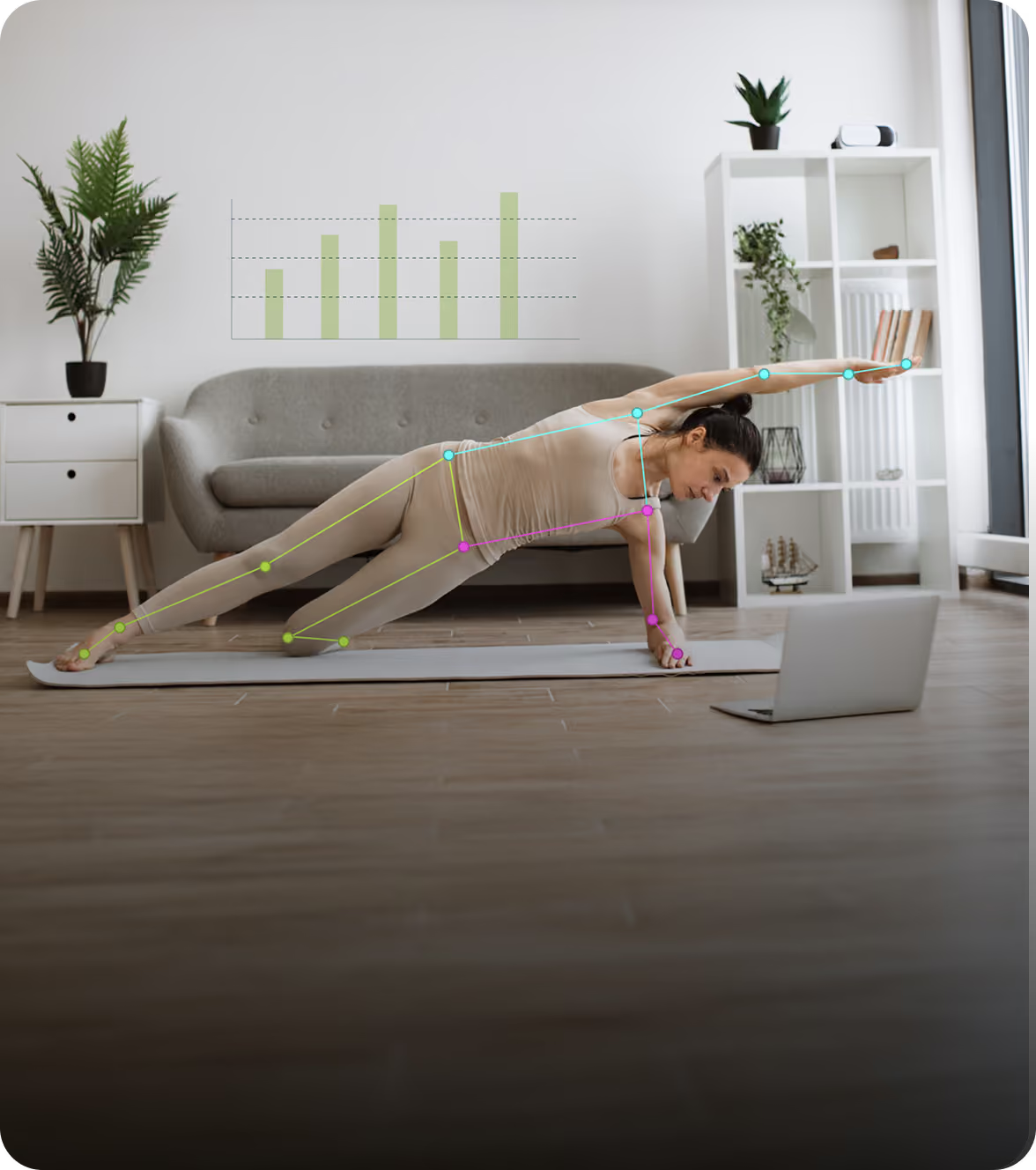
Pose estimation runs locally in the patient's browser. The camera feed is processed frame-by-frame in real time and immediately discarded. No video is recorded, stored or transmitted.
Frames are analysed in memory and discarded immediately. Nothing is saved.
All pose estimation happens in the patient's browser (web v1) or on-device (mobile v2), no images leave the client.
Only structured numeric data (reps, holds, warning codes, joint-angle summaries) is sent to Physitrack's backend.
Important for regulatory and clinical clarity. The software is a measurement and reporting tool, not a decision-making tool.
* The clinician independently reviews all data and makes their own clinical decisions. The software is a measurement and reporting tool, not a decision-making tool.
The same core logic - exercise rules, rep counting, feedback - works identically across platforms. Only the camera-access layer differs.
Standard browser camera API (WebRTC). The patient grants camera permission via the browser prompt. Processing runs via WebAssembly, no plugins or installs needed.
500 Most-prescribed exercises at launch
Not supported: custom exercises
Native camera API, with the same processing logic packaged as a native library. Identical exercise rules, identical session reports.
On-device processing
Same dashboard on the clinician side
No. Camera feed is processed frame-by-frame in real time and immediately discarded.
No. All pose estimation runs client-side (in the patient's browser for v1, on-device for mobile v2).
Only structured numeric data: rep counts, hold durations, feedback event codes, joint angle summaries. No images, video, or raw coordinates.
Yes, the patient must grant camera permission in the browser and can opt out at any time. Exercise tracking falls back to manual input.
No. The model detects body joint positions only. It does not identify, recognise, or store faces.
No. ~20 short audio phrases are pre-generated offline using ElevenLabs TTS and shipped as static files (~50 KB). No AI voice synthesis, speech recognition, or audio processing occurs during a session. The app simply plays the matching audio clip when a feedback rule triggers.